Mac
Version 2.4
Acquirely for Mac
Your Acquirely workspace, in its own app on your Mac.
Version 2.4 · 15.3 MB · macOS 14 or later · Apple silicon and Intel
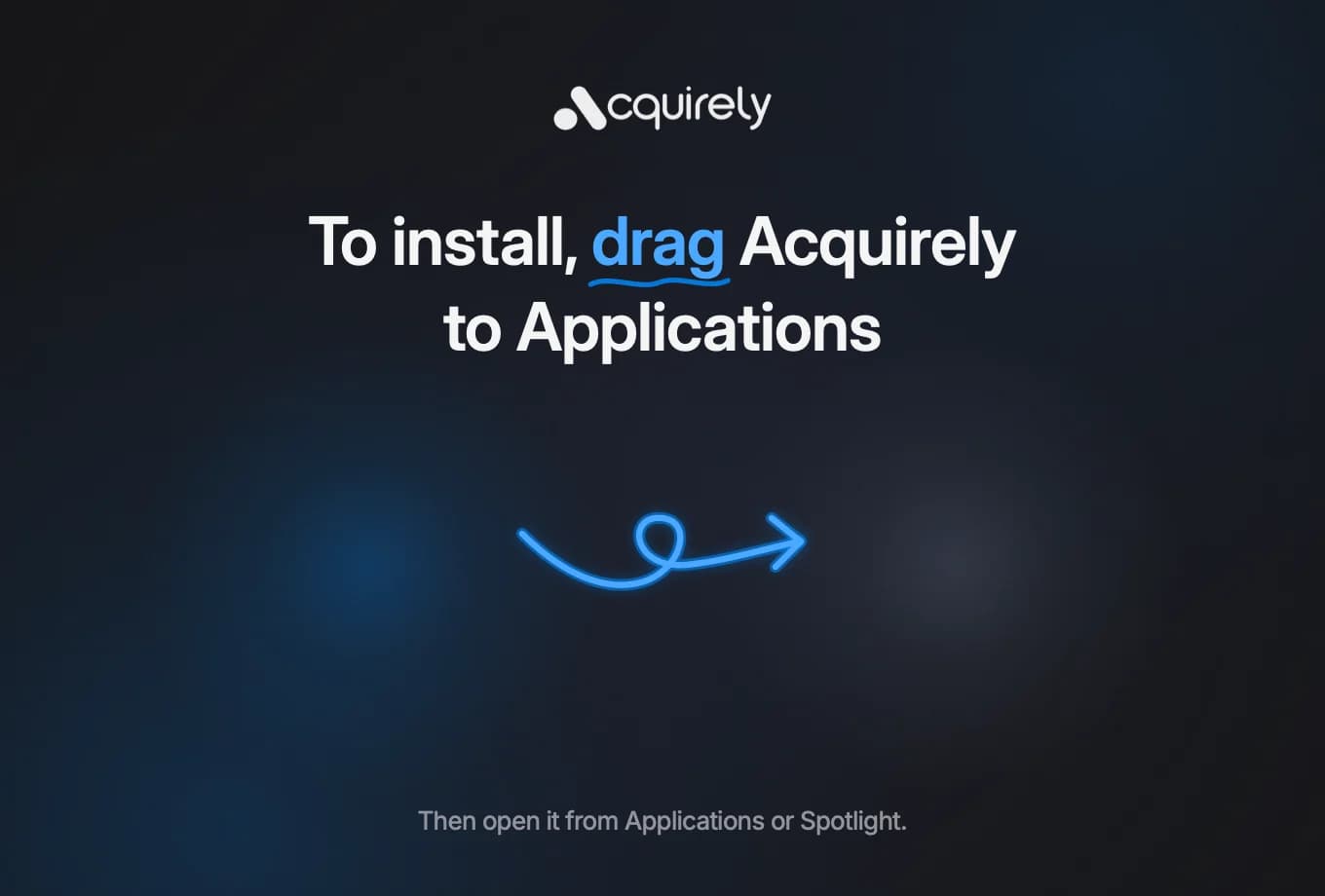 Acquirely
Applications
How to install
Open the downloaded file and drag Acquirely into your Applications folder.
Open Acquirely from Applications. macOS will say it can't verify the app. Click Done.
Go to System Settings, then Privacy & Security. Scroll down and click Open Anyway, then enter your Mac password.
Sign in with the email you use for Acquirely.
You'll only need to do step 3 once. We're finishing Apple's verification for the app, and this step will go away when that's done. The app updates itself from then on.
Having trouble? Email support@acquirely.io.
Also in the browser. iPhone coming soon.
One account, every screen. Run the board from the Mac, check replies from anywhere.